

Office workers
Formulas do the math for you and recalculate after every edit
Formulas, VLOOKUP and PivotTables on a live sheet, then a Trainer with tasks from real work.
Formulas do the math for you and recalculate after every edit
A sales summary in minutes, not a whole evening
VLOOKUP and PivotTables instead of manual cross-checking
We start from the very first cell and explain every step
With us, you'll go through 31 lessonsfrom your first formulato PivotTables
You practice every topicwith tasks on a live sheet,not by rereading theory
Lessons take 10–15 minutes:learn whenever it suits youand at your own pace
Tasks from real work situations: discounts, plans, data exports. The check runs your sheet on different data, so you can't just fake the answer.
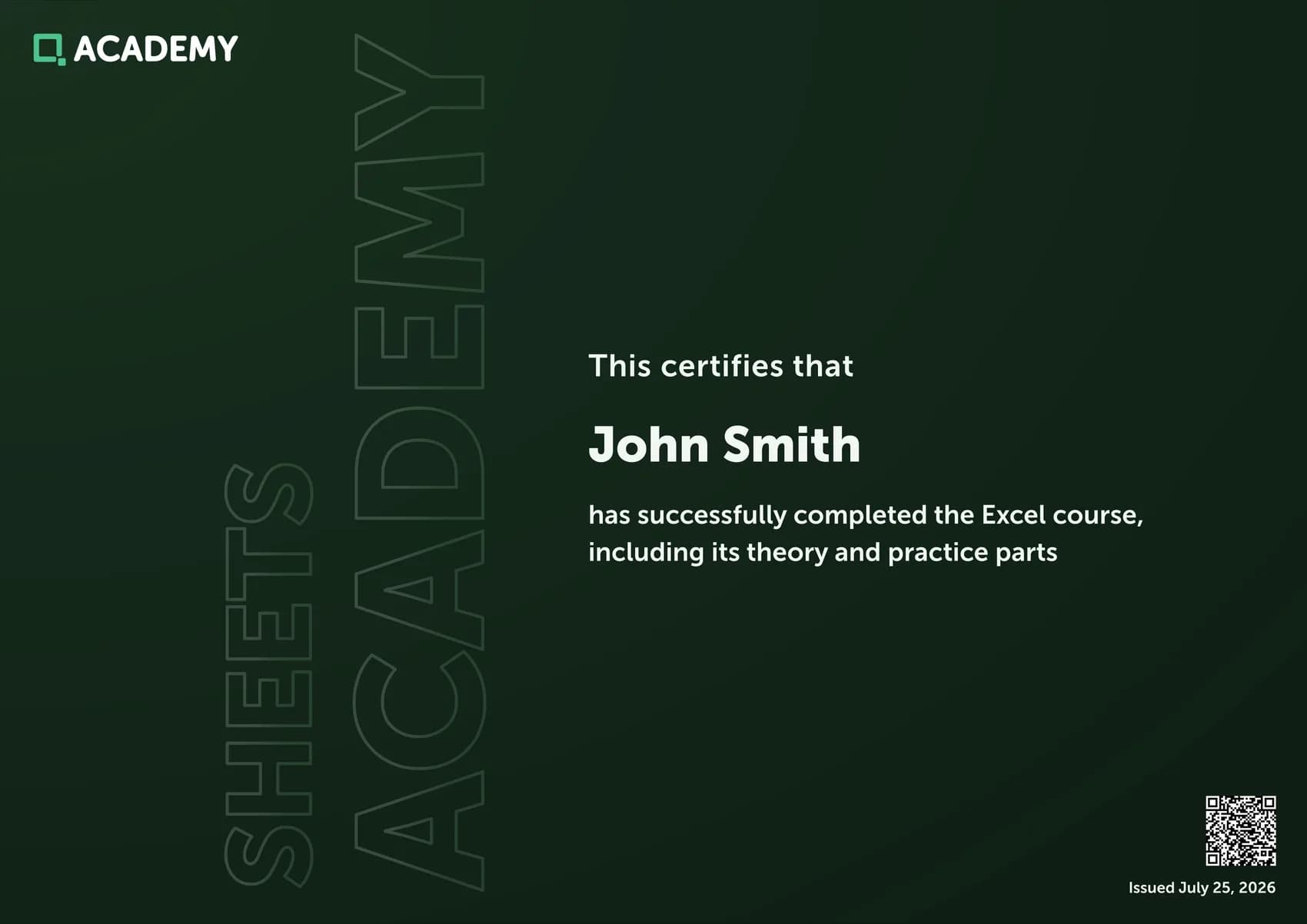
Solve 30 tasks in the Trainer and prove your skills with a document bearing your name
Yes. All 31 lessons of the course are free, and so are most Trainer tasks. Premium unlocks:
No. The sheet on the site has everything the course needs: formulas, sorting, PivotTables and charts. Functions have the same names as in Excel, so your skills carry over with no relearning.
The course works for you too. Every function it covers exists in Google Sheets and works the same way. Where the arguments differ, the function reference points it out. Sorting, filters, conditional formatting, pivot tables and charts are all there as well, only the menus differ.
Yes. The course starts with how a spreadsheet works and what a cell address is. Each new topic builds only on what you've already covered.
Lessons are short, 10–15 minutes each. Go at your own pace, even one a day.
Solve 30 tasks in the Trainer and download your certificate in the Certificates section. It comes with Premium, and your profile needs your first and last name.
The first lesson opens right away, no sign-up required