Interactive course in Excel
A course for complete beginners. Step by step, we'll cover formulas, cell references, functions, VLOOKUP and PivotTables, and practice every topic with tasks right in your browser. Everything you learn works in both Excel and Google Sheets.
First steps
Cells and addresses, editing and freezing rows, sorting and filtering, numbers, text, dates and formats.
Formulas
The table does the math: formulas, filling down, the $ sign, your first functions, percentages and rounding.
Conditions
The table makes the choice: IF with two or more outcomes, sums and counts by condition, highlighting what matters.
Data cleanup and VLOOKUP
Clean up exports, pull out part of a text, calculate with dates and bring in data from a lookup table with VLOOKUP.
PivotTables and charts
Short reports from long tables without formulas, grouping by month and charts from reports.
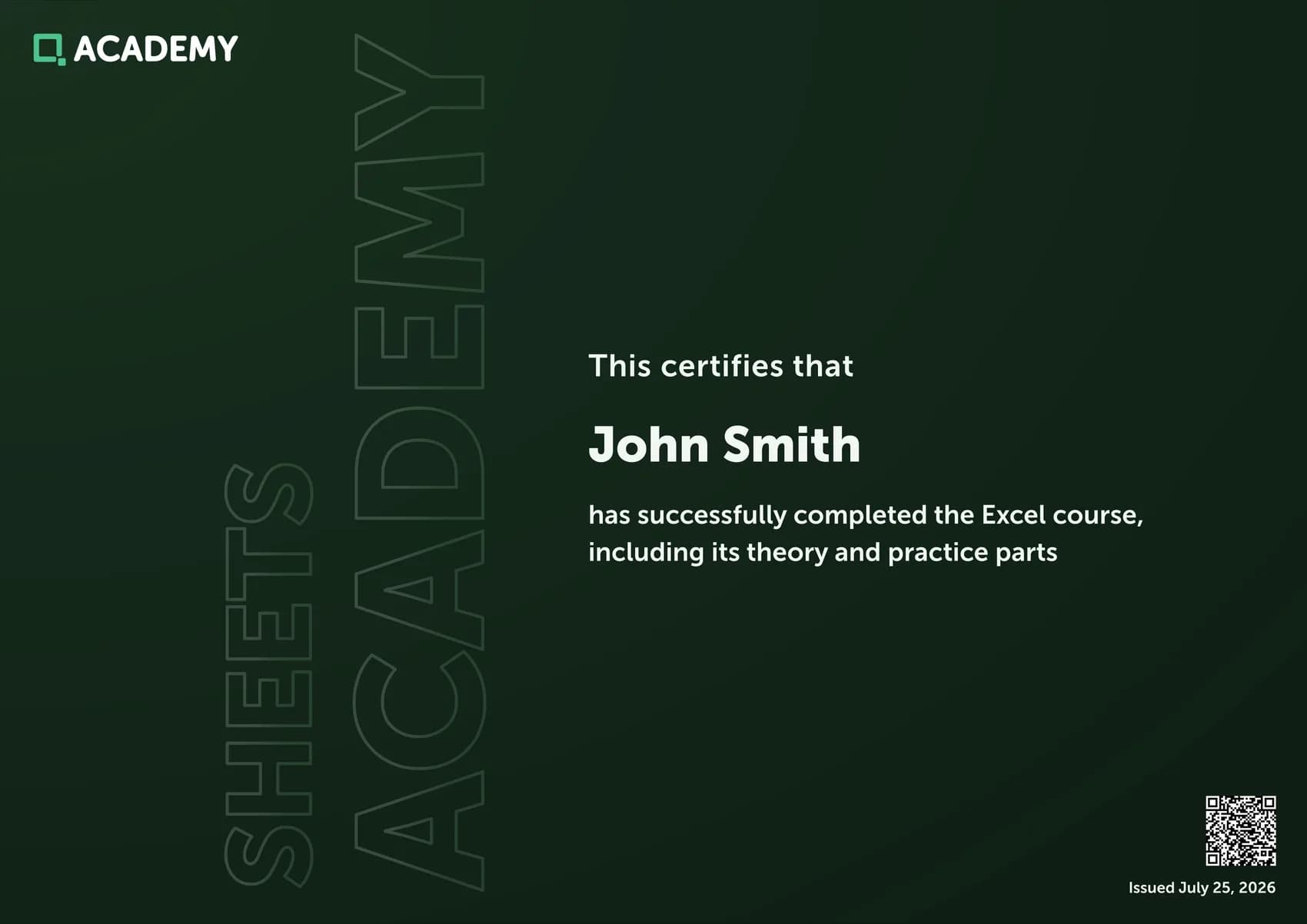
Certificate for 30 Trainer tasks
After the lessons, sharpen your skills in the Trainer: solve 30 tasks and earn a personalized certificate.
Go to the Trainer